You can now generate, preview, and edit documents, PDFs, presentations, spreadsheets, and more directly in Gemini.
Google’s Gemini app now lets users generate, preview, and edit documents, PDFs, spreadsheets, and code directly within chats, with expanded editing tools and cross-platform support.
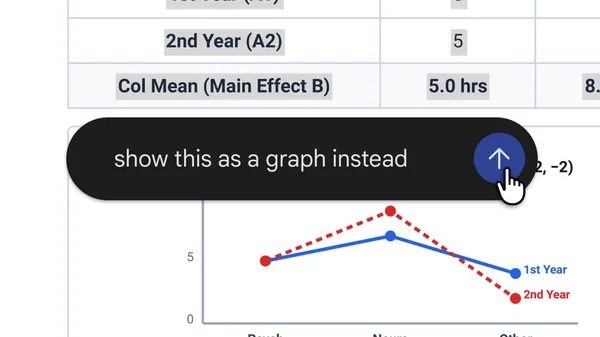
Google has added new features to the Gemini app that allow users to create, preview, and edit files such as documents, PDFs, presentations, spreadsheets, and code directly within their chat interface. The update enables users to expand the chat window to type edits, highlight text to ask questions, or request refinements from Gemini. PDF preview and editing are supported on both web and mobile, while other formats like Google Docs, Sheets, slide decks, Markdown, TXT files, and code are available only on the web.
Users can now generate a PDF study guide from uploaded handwritten lecture notes and manually edit it within the app. Highlighting specific sections allows users to ask Gemini to make targeted edits to text or visuals, or to clarify content further. The demonstration video illustrates how these tools streamline workflows by integrating creation, preview, and editing into a single chat-based environment.
The new capabilities are accessible to all users across all languages where the Gemini app is available. Google emphasizes that these features are designed to reduce the need to switch between multiple tools, enabling a more cohesive and efficient document-handling experience within the chat interface.
The update reflects Google’s ongoing effort to integrate generative AI more deeply into productivity workflows, expanding the utility of the Gemini app beyond text generation to include practical file management and editing tasks.