You can now apply DLSS 5 to your entire desktop with a free app and it even works with RTX 30-series cards
A free app called DLSS 5 NeuralScreen lets users apply DLSS 5 neural rendering to their entire desktop, including videos and photos, with support for RTX 30-series cards and above.
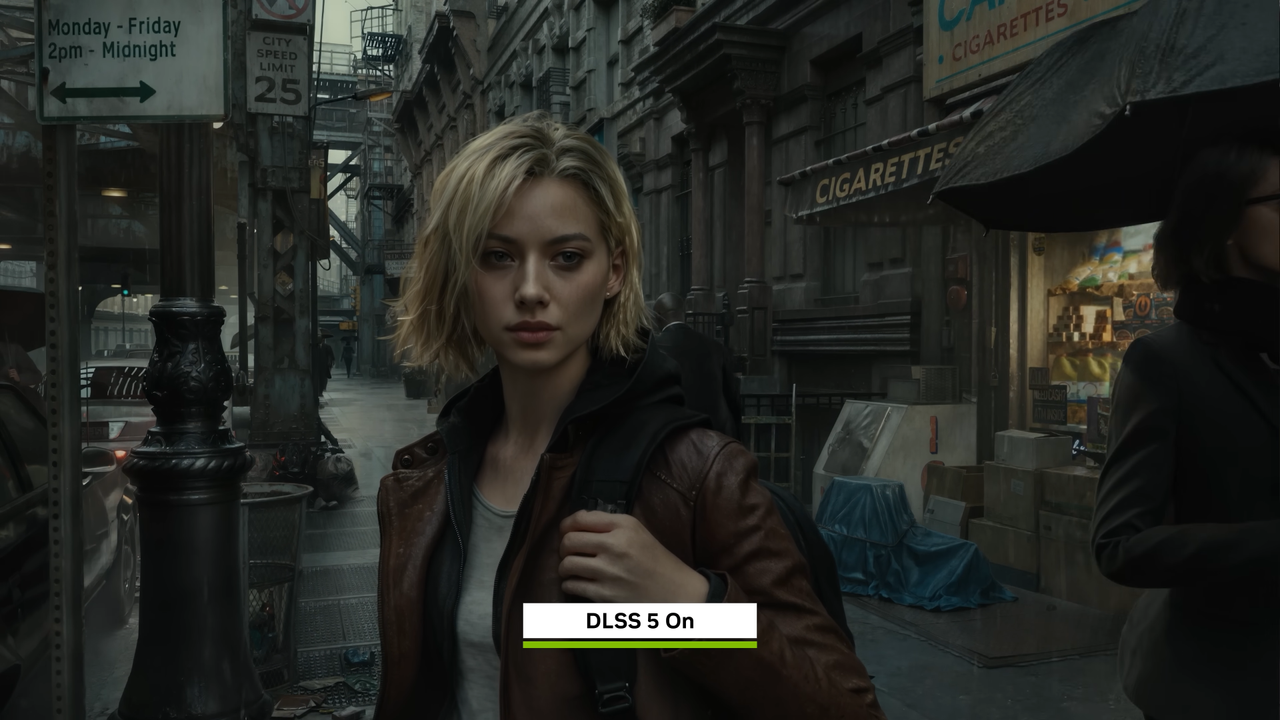
DLSS 5 NeuralScreen, a free application released on GitHub by user Perseval BLR, enables users to apply DLSS 5 neural rendering to their entire desktop environment. The tool allows real-time adjustments to intensity and resolution settings, providing flexibility for different use cases. It supports RTX 30-series graphics cards and newer, expanding access beyond high-end gaming setups.
The app can enhance videos, photos, and even windowed or borderless games by applying DLSS 5’s neural rendering. Unlike game-specific implementations, NeuralScreen operates as a standalone tool, allowing users to toggle it on or off quickly without navigating through graphics settings. This makes it more convenient for casual use compared to in-game toggles.
However, the tool has notable limitations. It does not support HDR output, cannot run on fullscreen applications, and is capped at a maximum resolution of 2560 x 1440. Additionally, it introduces 40-60 milliseconds of input latency, which may impact competitive gaming performance. The GitHub page warns that the app’s nvngx.dll process could trigger anti-cheat detection in online games.
Performance testing on an RTX 4070 Super revealed that while the app is easy to set up, it can be slow in operation. The neural rendering effect may not appeal to all users, particularly those sensitive to generative AI’s influence on visuals. The tool works best for single-player games or media playback, though it may wash out colors in some applications like email clients.