Set up coding agents in one command with AI Gateway
Vercel’s AI Gateway now lets developers route coding agents through a single command, centralizing API keys, billing, and observability while supporting over 200 models, including unsupported ones, with automatic fallbacks.
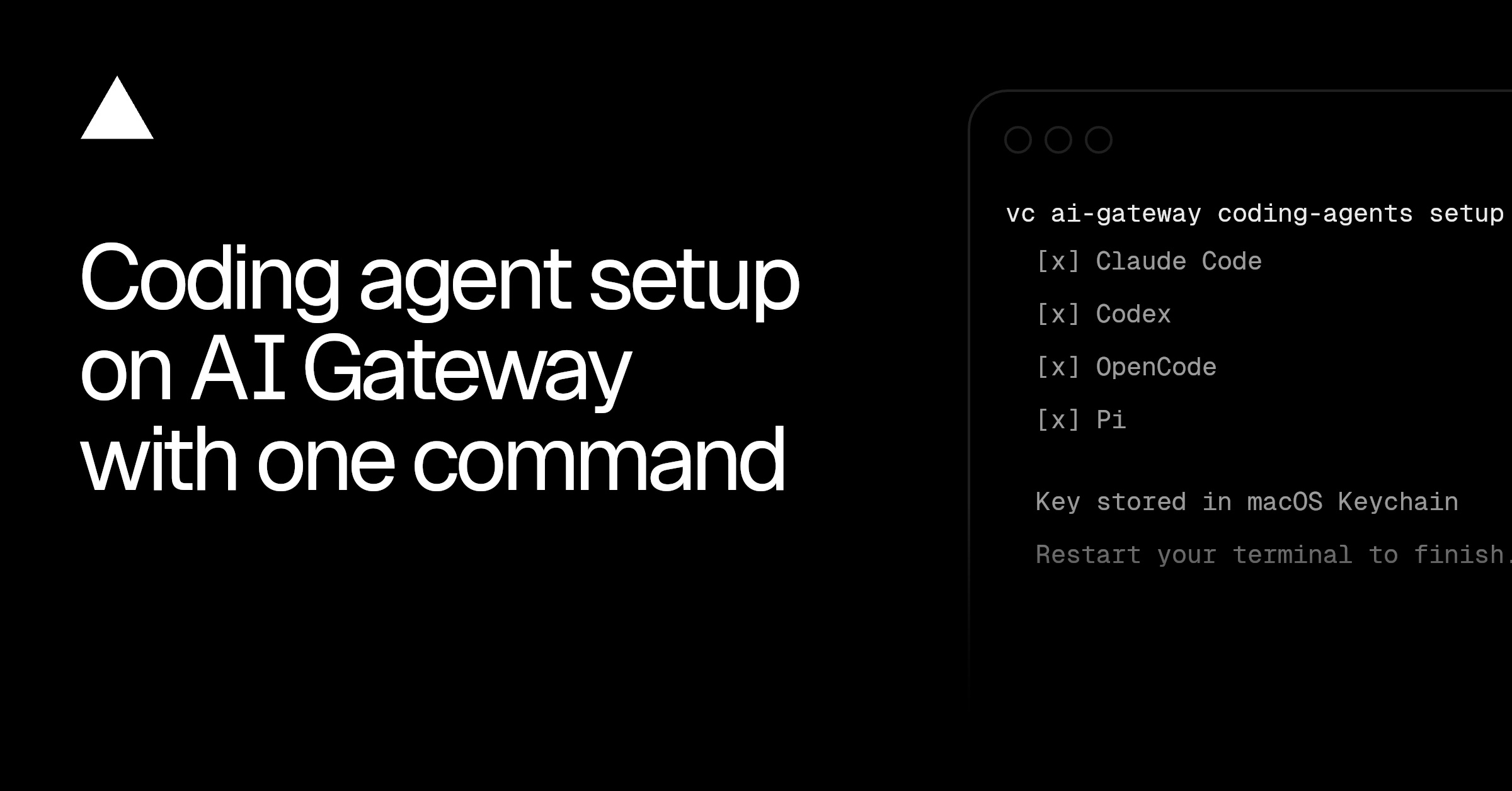
Vercel has introduced a command-line tool that configures coding agents to route requests through AI Gateway in a single step, eliminating the need to manually provision API keys or manage multiple accounts. The setup process automatically detects supported agents like Claude Code, Codex, and OpenCode, integrates the gateway URL and credentials into each agent’s configuration, and preserves existing formatting. Developers can select from over 200 models, including those without native agent support, with the gateway handling automatic fallback to alternative models if the primary choice fails.
The AI Gateway provides a unified dashboard for monitoring agent traffic, including spend tracking, performance metrics, token usage, and request traces tied to cost and model details. Budget controls allow teams to set spending limits, reset thresholds, and enforce key expiry dates to prevent unexpected charges. These controls apply across all agents without requiring individual configuration changes, ensuring consistent policy enforcement.
Team-wide policies can be enforced at the gateway level, such as enabling Zero Data Retention or restricting requests to specific providers, which overrides any agent-level settings. This ensures compliance and security without manual adjustments to each agent’s configuration. The system also logs detailed request traces, including model selection, token consumption, and associated costs, for auditing and optimization purposes.
The new setup command supports nine coding agents out of the box, including popular options like Claude Code and Codex, and allows inline model selection using the /model command. A full catalog of supported models is available for reference, with no model pinned by default, giving developers flexibility to switch models dynamically as needed.