Merge queue APIs now available in Bitbucket Cloud
Atlassian has launched public APIs for Merge Queues in Bitbucket Cloud, enabling automated queue management for pull requests in Standard and Premium workspaces.
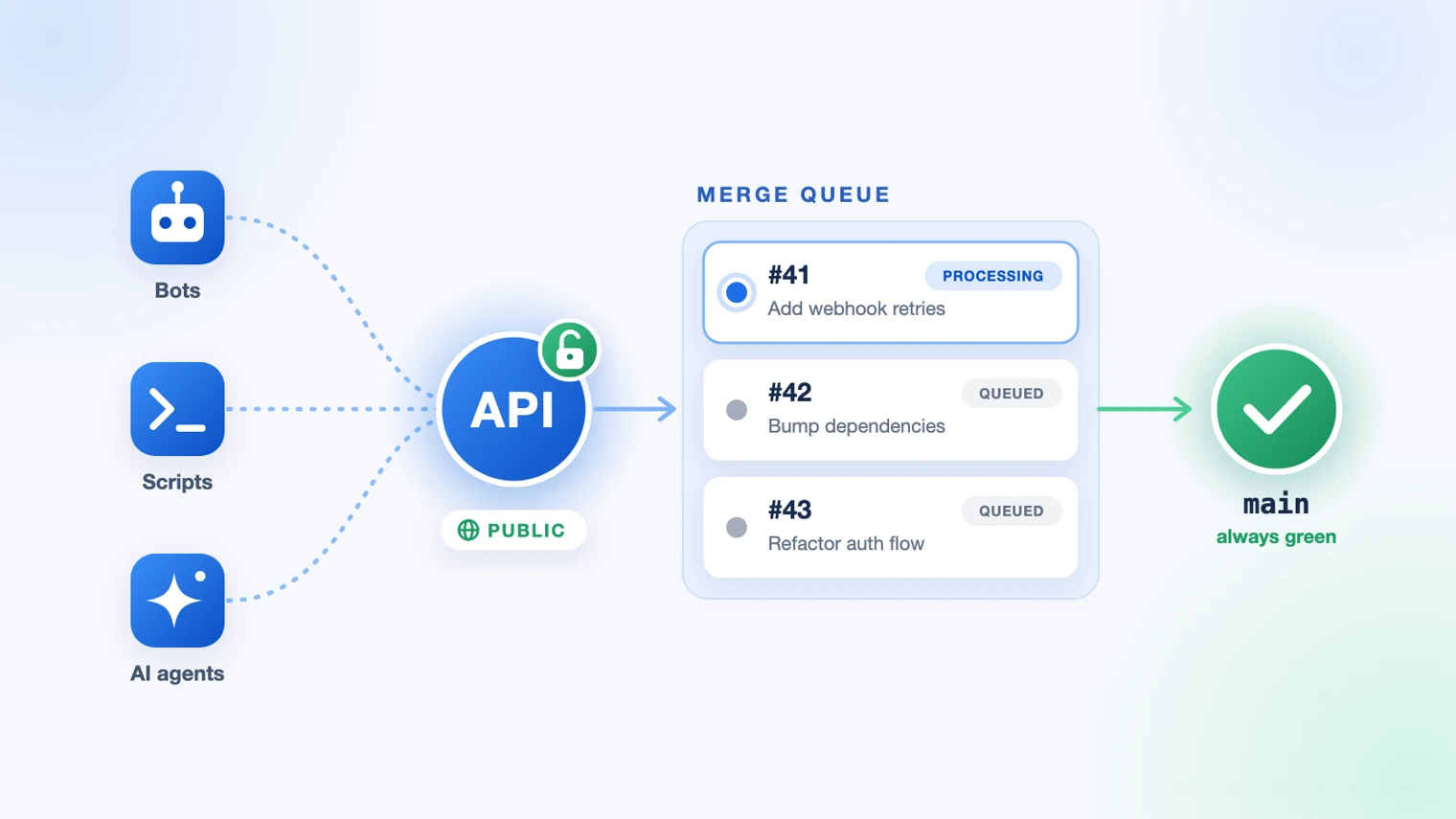
Merge Queues in Bitbucket Cloud now offer public APIs that allow external tools to queue pull requests, monitor their progress, and receive merge outcomes through existing endpoints. This update is available to all Standard and Premium workspaces, expanding automation capabilities beyond manual queue management. Teams can integrate these APIs to streamline workflows where pull requests require sequential testing before merging. The feature aims to reduce manual oversight while maintaining branch stability during active development cycles.
To assist developers, Atlassian has published a Merge Queues API reference detailing how to list queues, read contents, and remove pull requests programmatically. The documentation provides endpoints for retrieving queue statuses and outcomes, ensuring compatibility with existing CI/CD pipelines. Feedback on the APIs can be shared via the Atlassian Community or through a feedback collector embedded in the Merge Queues interface. This approach encourages iterative improvements based on real-world usage patterns.
In a separate update, Bitbucket Cloud now supports draft pull requests, addressing a longstanding user request. This feature allows developers to mark pull requests as drafts, signaling they are not yet ready for review. Additionally, branch deletion can now be controlled automatically when a pull request is merged, reducing manual cleanup tasks. Both features are available to all Bitbucket Cloud customers without additional configuration.
Atlassian’s Teamwork Lab also published research showing reviewers were 22% less likely to catch flaws in AI-polished drafts, prompting a five-second fix. Meanwhile, the Atlassian Developers site received a redesign featuring the Zen Foundation theme, improved tutorials, and visual updates. The new theme offers a distinct editing experience compared to standard Confluence layouts, with a dedicated quick start guide for users.