Gemini Omni 1.2 Flash: Fast and cost-effective with longer clips
Google introduces Gemini Omni 1.2 Flash, enabling 15-second native video generation with improved consistency and multi-turn editing at a 30% lower cost.
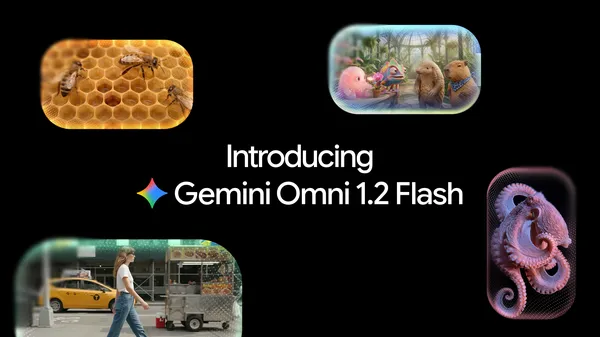
Google has launched Gemini Omni 1.2 Flash, a model update that enables native generation of 15-second video clips, up from the previous 10-second limit. The update also introduces multi-turn conversational editing, allowing users to refine clips iteratively without restarting from scratch. The new capabilities are available across the Gemini API, Google Vids, and Gemini for business, targeting professional video production workflows.
Gemini Omni 1.2 Flash reduces costs by 30% compared to its predecessor, priced at $0.07 per second for 720p video. Users can draft at lower resolutions like 360p or 720p, edit details in follow-up prompts, and then upscale to 1080p or 4K. The model supports one-second increments from 3 to 15 seconds, enabling precise control over clip duration for storytelling or advertising.
The update improves reference adherence, maintaining consistency in faces, garments, typography, and brand elements across camera angles and transitions. It supports guided generation using images, short motion clips, and audio cues, ensuring details like character identity and product features remain intact throughout the clip.
Multi-turn editing allows users to swap backgrounds, lighting, or aspect ratios in iterative prompts while preserving character performances and camera framing. The model also enhances lip-sync and multi-speaker conditioning, enabling fluid dialogue and natural comedic timing in animated scenes or explainer videos.