Genie One MCP: Give any AI Agent the Right Business Context
Databricks introduces Genie One MCP to provide governed business context to any MCP-compatible AI assistant, enabling reliable, permission-aware answers across existing tools.
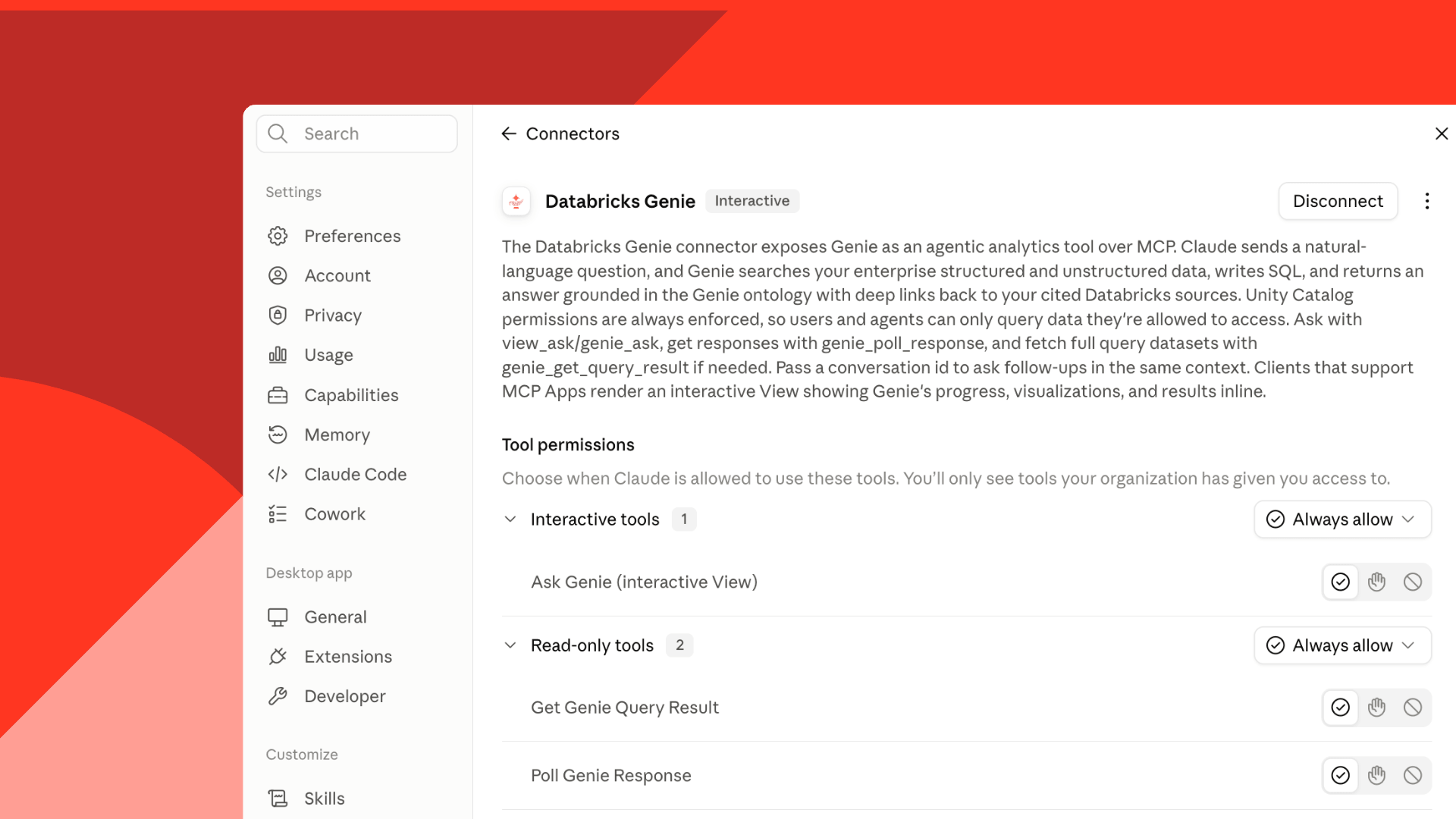
Genie One MCP enables AI assistants like ChatGPT, Claude, and Microsoft Copilot to access governed business context through Databricks’ Genie Ontology. This ensures answers are based on approved definitions, trusted data relationships, and user-specific permissions rather than raw, unstructured data. The integration allows organizations to maintain consistency in how business questions are interpreted across multiple AI tools and interfaces.
Without governed context, AI agents struggle to reconcile conflicting data sources or apply the correct business definitions, leading to unreliable or misleading answers. Genie Ontology addresses this by combining approved metrics, ownership details, and access policies with trusted enterprise assets such as dashboards and documentation. This layer ensures that AI responses are traceable and grounded in verified business context, reducing ambiguity in critical decision-making.
Genie One MCP extends Databricks’ native AI coworker capabilities to third-party AI assistants and coding agents, including Google Drive, Microsoft 365, and Slack. Users can ask natural-language questions in these tools, and Genie One interprets terminology, searches permitted data, generates SQL, and returns answers with source links. The setup involves enabling a preview toggle and establishing a client connection, with instructions provided in the documentation.
The integration supports both text-only responses and interactive views in clients that support MCP Apps, rendering visuals and summary metrics directly within the AI assistant interface. Examples include campaign performance reviews, monthly business reviews, and customer retention analyses, where Genie One provides the governed context for AI assistants to generate actionable insights and follow-up tasks.