Anyone can make stunning HD videos with Gemini Omni in Google Vids
Google Vids now allows free 1080p video creation using the Gemini Omni 1.1 Flash model, accessible to anyone with a Google or Google Workspace account via vids.new.
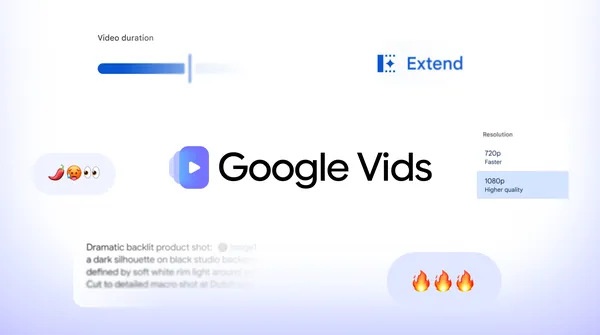
Google has integrated its newest AI models into Google Vids, enabling users with a Google Account to produce high-definition videos at no cost. The tool supports 1080p resolution and provides controls for adjusting scene duration and transitions, simplifying professional-quality video creation without requiring prior editing experience. Users can begin projects by visiting vids.new on a desktop browser. The update removes traditional barriers to video production by offering AI-driven tools that streamline the process from concept to export.
Google Vids now supports free video creation using the Gemini Omni 1.1 Flash model, available to anyone with a Google or Google Workspace account. The platform includes new creative controls that allow users to refine scene length and style, making it easier to tailor videos to specific needs. Projects can be initiated directly through the Google Vids creation menu by selecting the "Create AI videos" option. This expansion aims to democratize video production for personal and professional use.
Every video generated with Omni 1.1 in Google Vids includes an imperceptible SynthID digital watermark embedded in the frames to verify AI-generated content. This transparency measure allows viewers to confirm the origin of the video, addressing concerns about authenticity. The watermark is part of Google’s commitment to responsible AI use in content creation. Additional features, such as text-to-speech in over 100 languages, are also planned for release.
The free access to AI video generation in Google Vids applies to personal accounts, while Workspace Business and Enterprise plans offer expanded generation pools and centralized admin controls for teams. Users can explore Google AI plans for additional access on personal accounts. Teams requiring higher capacity can refer to the Google Workspace Learning Center for detailed information on available features and pricing.