Keep your SAT prep on track with practice tests in Gemini.
Google’s Gemini app now offers free, on-demand SAT practice tests with vetted Princeton Review content and instant feedback, aiming to support students preparing for the exam.
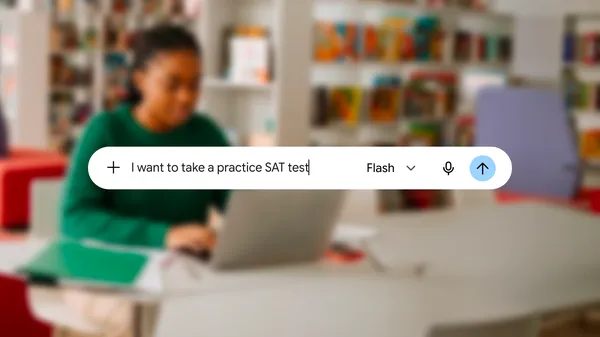
Google Trends data shows a surge in searches for SAT preparation resources over the past three months, reflecting high demand among students. To address this, Google has integrated full-length practice SAT tests into its Gemini app at no cost. Users can access these tests by requesting one directly within the app, making preparation more accessible without requiring additional subscriptions or fees. The initiative aligns with the growing need for flexible, on-demand study tools amid busy schedules.
The practice tests in Gemini are developed using content from The Princeton Review, a recognized provider of test preparation materials. This partnership ensures the questions and format closely mirror the actual SAT, helping students familiarize themselves with the test structure and question types. The rigorously vetted content aims to reduce discrepancies between practice and exam conditions, providing a more accurate reflection of what students will encounter on test day.
Upon completing a practice test, users receive immediate feedback highlighting strengths and areas needing improvement. This real-time analysis allows students to focus their study efforts efficiently, targeting specific weaknesses rather than reviewing broadly. The feedback mechanism is designed to simulate the scoring and review process of the actual SAT, offering a practical preview of the exam experience.
For questions where students struggle, Gemini offers an additional feature: the ability to ask for explanations of correct answers. This interactive support helps clarify misunderstandings and reinforces learning in real time. The integration of this tool into the practice test workflow aims to enhance comprehension and confidence, bridging gaps in knowledge without requiring external resources or additional tools.