Put your Dropbox context to work in Google Gemini
Dropbox integrates with Google Gemini to let users reference personal files and project history directly within AI conversations, streamlining research and creation workflows.
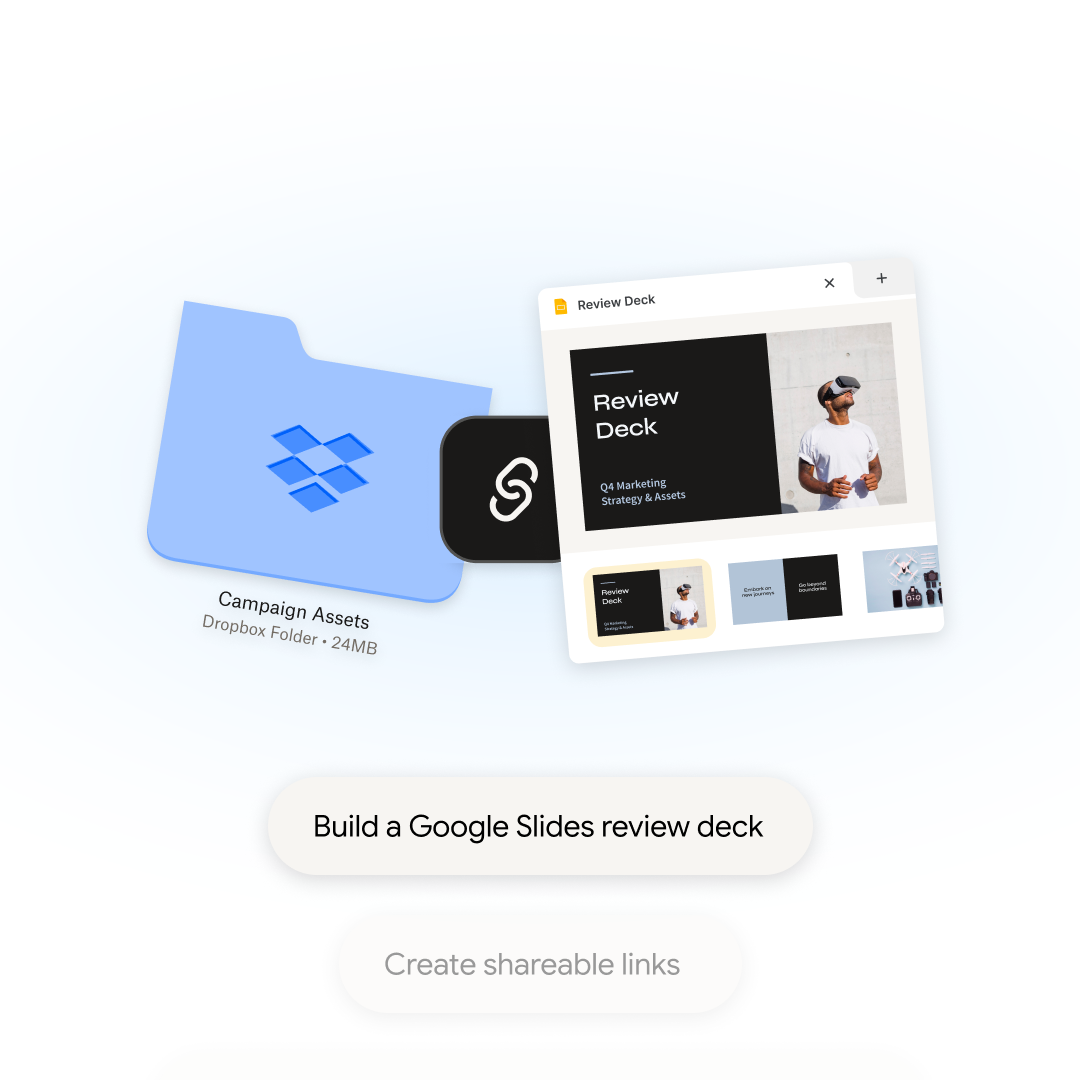
Dropbox is launching new integrations with Google Gemini to address the challenge of scattered work context. Users can now connect their Dropbox accounts to Gemini, enabling the AI to reference files, folders, and project history stored in Dropbox during conversations. This integration aims to reduce the need for manual file searches or copy-pasting by allowing users to ask Gemini to retrieve or summarize content from their Dropbox directly within the chat interface.
The integration is available through two experiences: Gemini chat and Gemini Spark. The Dropbox app for Gemini is accessible to anyone with a personal Google Account aged 18 or older in the US. For Google AI Pro and Ultra subscribers, Gemini Spark offers advanced capabilities, including automated multi-step workflows that can organize files, generate shareable links, and set up file requests, all while keeping Dropbox as the central repository for project materials.
For content creators, the integration simplifies workflows by allowing them to reference past work such as scripts, brand guidelines, and sponsor briefs stored in Dropbox. Users can ask Gemini to find specific files, summarize lengthy documents, or draft new content based on their existing work. Drafts can then be exported directly to Google Docs, ensuring continuity and reducing the time spent switching between tools.
Gemini’s access to Dropbox content is restricted to files and folders the user is permitted to view, and sensitive actions require user confirmation. The Dropbox connected app is currently available in English only, accessible via the Gemini web app at gemini.google.com, and requires a personal Google Account with Keep Activity enabled. Users can connect their Dropbox account through Settings in Gemini.