Inside the Codex sandbox
OpenAI’s Codex sandbox restricts file and network access for agent commands while allowing controlled local work, using OS-level protections instead of containers.
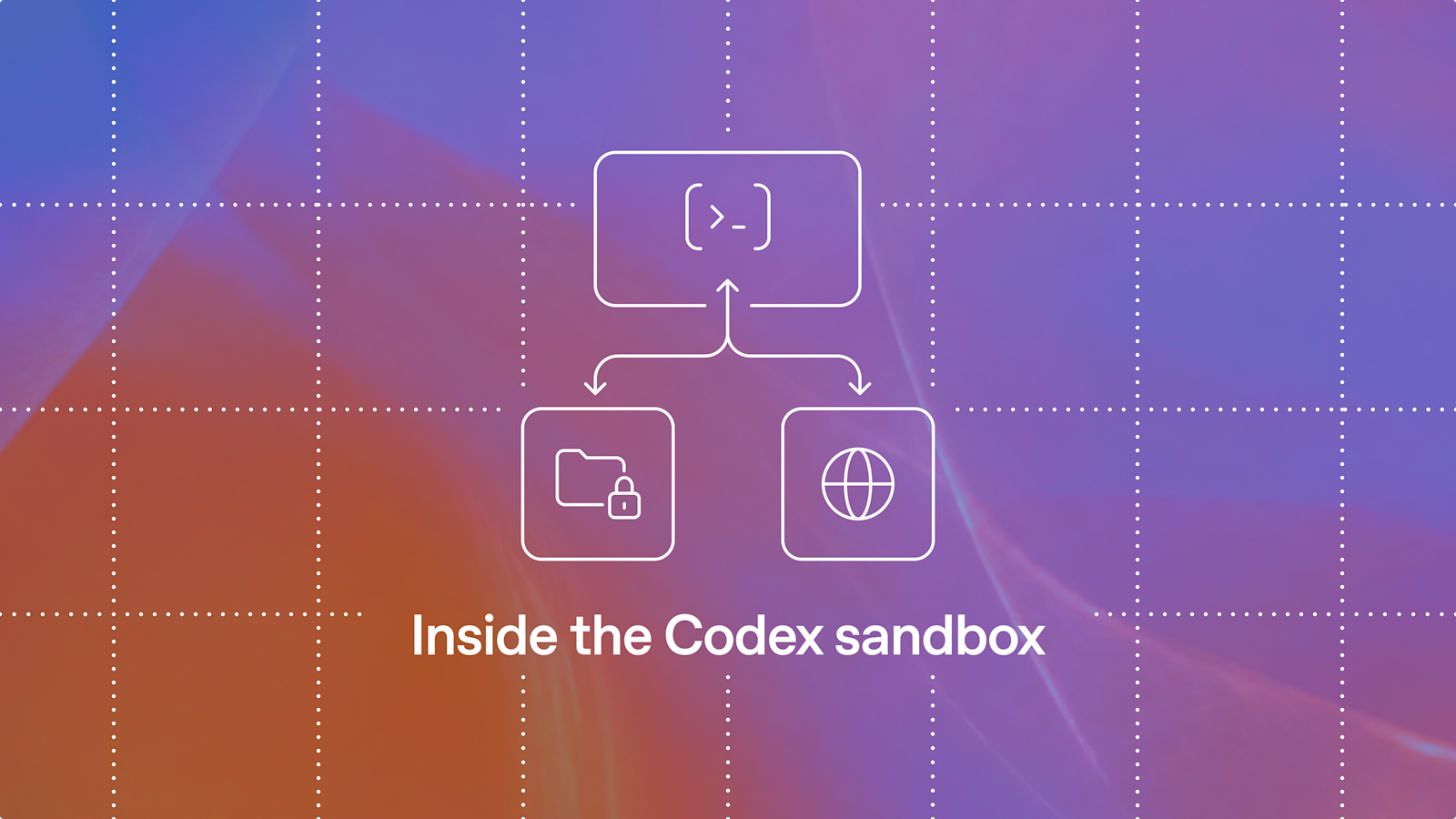
OpenAI describes Codex’s sandbox as a security layer that limits what commands can access on a user’s machine, such as restricting file reads to a workspace directory while blocking network uploads by default. The system uses permission profiles—like built-in:workspace—to allow writes within a Git repository while keeping sensitive directories like .git and .codex read-only, balancing functionality with protection. The sandbox enforces restrictions through platform-specific mechanisms on macOS, Linux, and Windows, avoiding the complexity of virtual machines or containers that might disrupt native workflows. For example, it prevents direct changes to configuration files but may still permit reads of sensitive data elsewhere on the machine due to inherited OS permissions.
The sandbox’s default settings prioritize conservative limits to curb risky behavior, such as disabling network access entirely to block data exfiltration attempts, though this can interfere with legitimate tasks like dependency downloads. Users can tailor permissions via profiles in config.toml, reusing restrictions across projects or defining custom rules for specific needs, such as read-only access to source files during code review. The harness applies these constraints to all child processes spawned by a command, ensuring restrictions persist even if the original process terminates, which strengthens containment of potentially harmful actions.
Codex’s sandbox integrates with the agent harness to execute shell commands in a restricted environment, replacing standard process-spawning functions with sandboxed alternatives like spawn_command_under_sandbox(). The harness evaluates requests for elevated permissions—such as require_escalated—against user preferences before granting access, either automatically or through prompts, to prevent unauthorized escalations. This design allows Codex to perform tasks like editing files within a workspace while maintaining oversight over actions that could pose security risks.
Developers can reuse Codex’s sandboxing infrastructure in their own tools via the codex sandbox command, extending the same permission controls to custom applications. The system’s approach focuses on leveraging OS-level sandboxing features rather than isolating execution in separate environments, which preserves compatibility with native toolchains and workflows that rely on host-specific executables or services.