Speed Insights now measures soft navigations
Vercel’s Speed Insights now tracks client-side route changes called soft navigations, expanding performance metrics beyond full-page loads to include LCP, FCP, INP, and CLS.
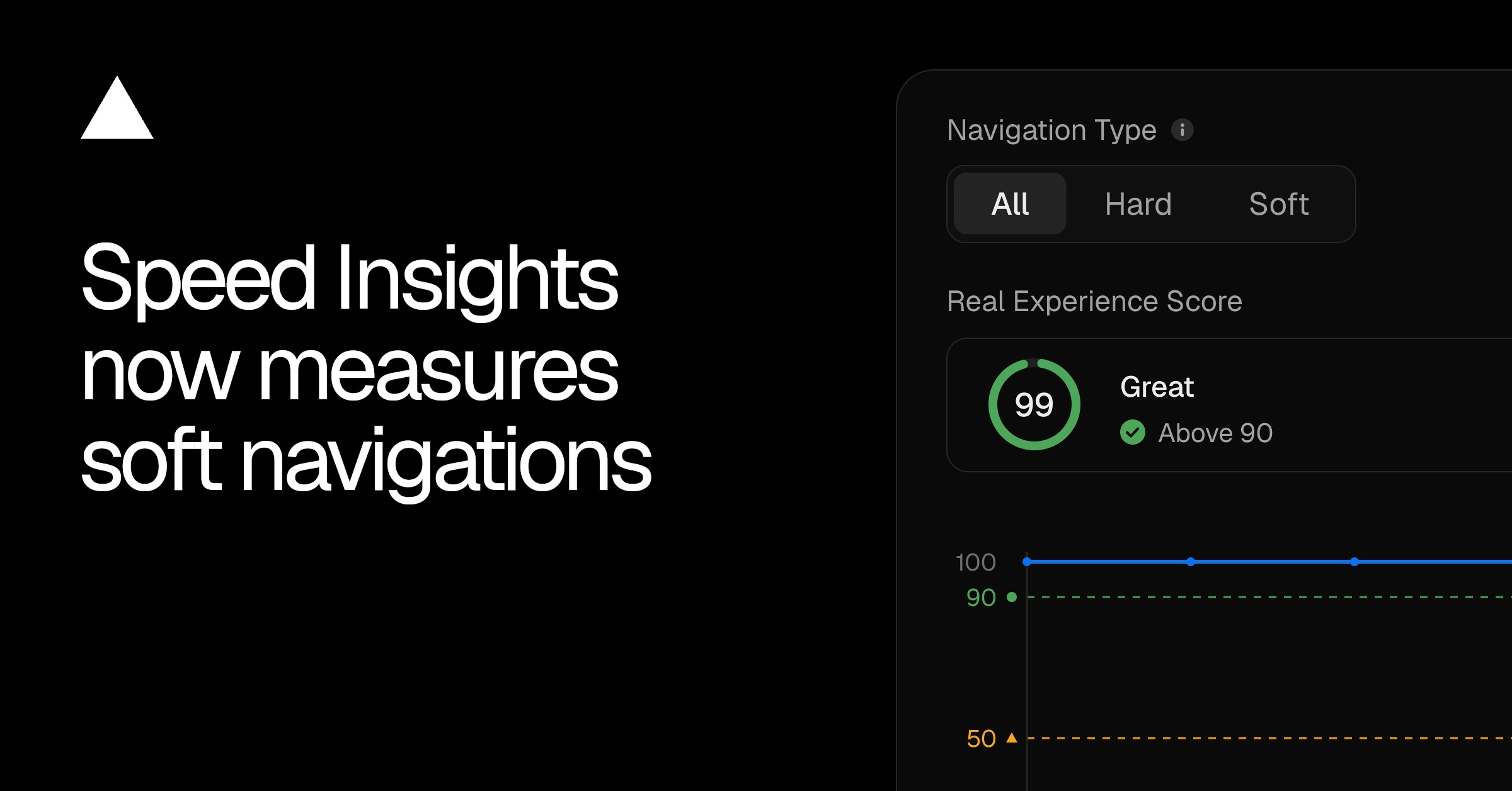
Vercel has expanded its Speed Insights tool to measure soft navigations, which are client-side route changes that update page content without a full page reload. This update allows developers to track key performance metrics such as Largest Contentful Paint, First Contentful Paint, Interaction to Next Paint, and Cumulative Layout Shift during these transitions. Previously, Speed Insights only captured performance data on full-page loads, leaving gaps in understanding user experience during dynamic app navigation.
Soft-navigation tracking is now enabled by default for all projects using Speed Insights, requiring no additional configuration from developers. The feature supports modern web frameworks including Next.js, SvelteKit, and Nuxt, and operates within Chromium-based browsers. Users can filter navigation data in the Speed Insights dashboard to view All, Hard, or Soft navigation events, providing clearer insights into performance across different types of user interactions.
The inclusion of soft-navigation events in Speed Insights means these measurements contribute to the Real Experience Score, offering a more comprehensive view of application performance. Time to First Byte is excluded from soft-navigation tracking since no new document request occurs during these transitions. Projects using Speed Insights Plus will see soft-navigation events counted toward their usage limits, with billing details communicated via email to existing Plus customers.
To disable soft-navigation tracking, developers can set the softNavs option to false in their application code and redeploy. This requires using @vercel/speed-insights version 2.1.0 or later. The option provides flexibility for teams that prefer to focus solely on hard navigation metrics or have specific compliance or performance monitoring needs.