Customizable widgets for project cards
Vercel’s dashboard now allows teams to customize which metric appears on each project card, replacing the fixed Real Experience Score with selectable options like firewall activity or traffic.
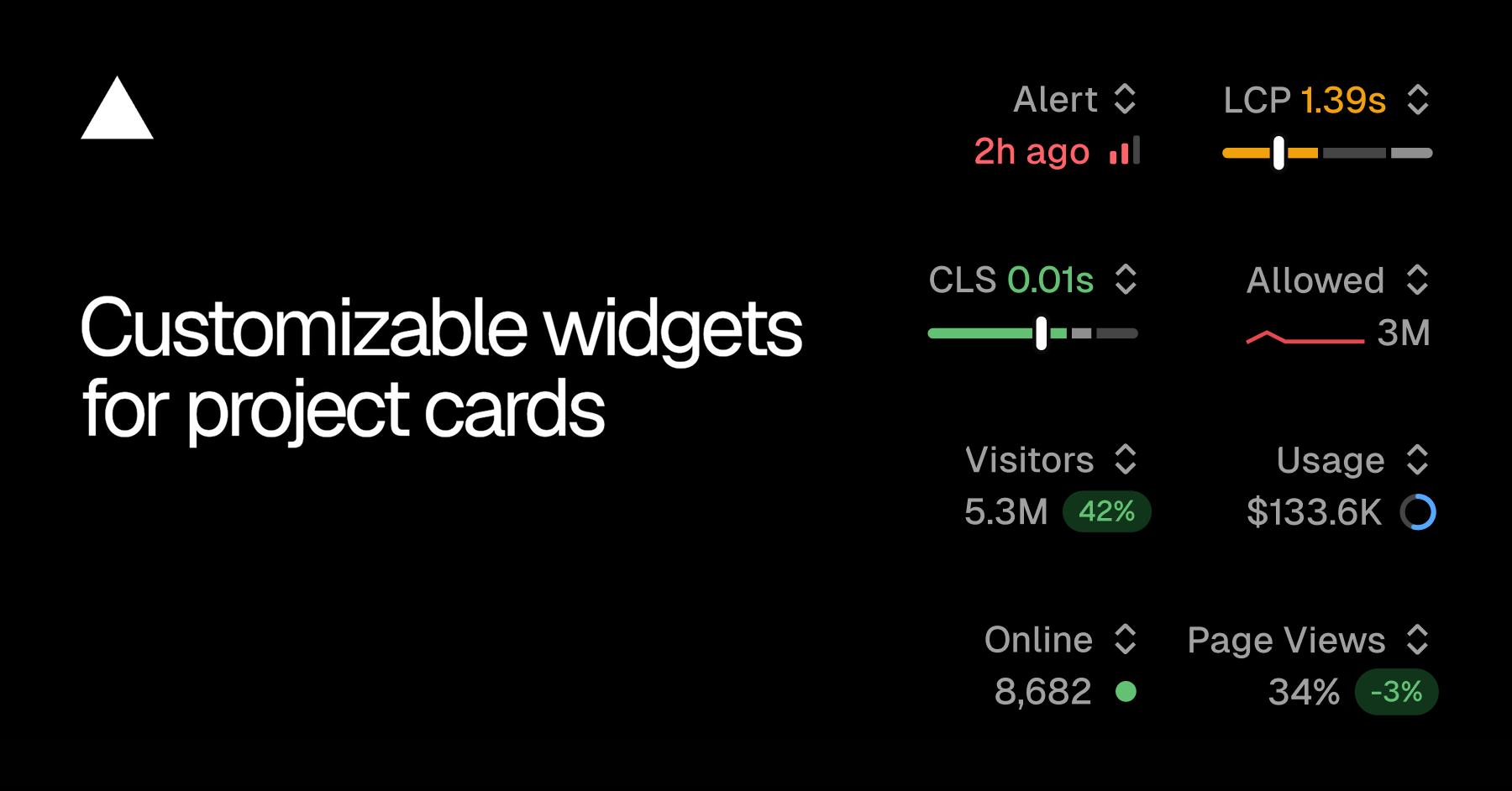
The Overview tab in the Vercel dashboard has introduced customizable widgets for project cards, allowing users to replace the previously fixed Real Experience Score with alternative metrics. This change addresses the need for teams to monitor different signals relevant to their specific projects. The feature enables users to select metrics such as firewall activity for security-sensitive projects or traffic for marketing sites, enhancing visibility and relevance.
To use the new feature, users can open the switcher in the top right of any project card and view the current value for each available metric. Selecting a new metric updates the card immediately, and the choice is saved for that project, persisting across refreshes and devices. This ensures consistency for users regardless of where or when they access the dashboard.
The customization is available for projects using Speed Insights Plus, Web Analytics, and alerts. If a project lacks a required feature, users can initiate the enable flow directly from the widget menu without navigating away from the Overview tab. This streamlines the process of activating necessary features while maintaining workflow efficiency.
The update is accessible by opening the team’s Overview tab and using the switcher on any project card. This modification reflects Vercel’s focus on providing flexible and practical tools for teams to tailor their monitoring experience to project-specific needs.