How to Play Grand Theft Auto VI in the Cloud and with Remote Play
Xbox announced that Grand Theft Auto VI will be playable via Xbox Cloud Gaming and Remote Play, expanding access beyond current-gen consoles.
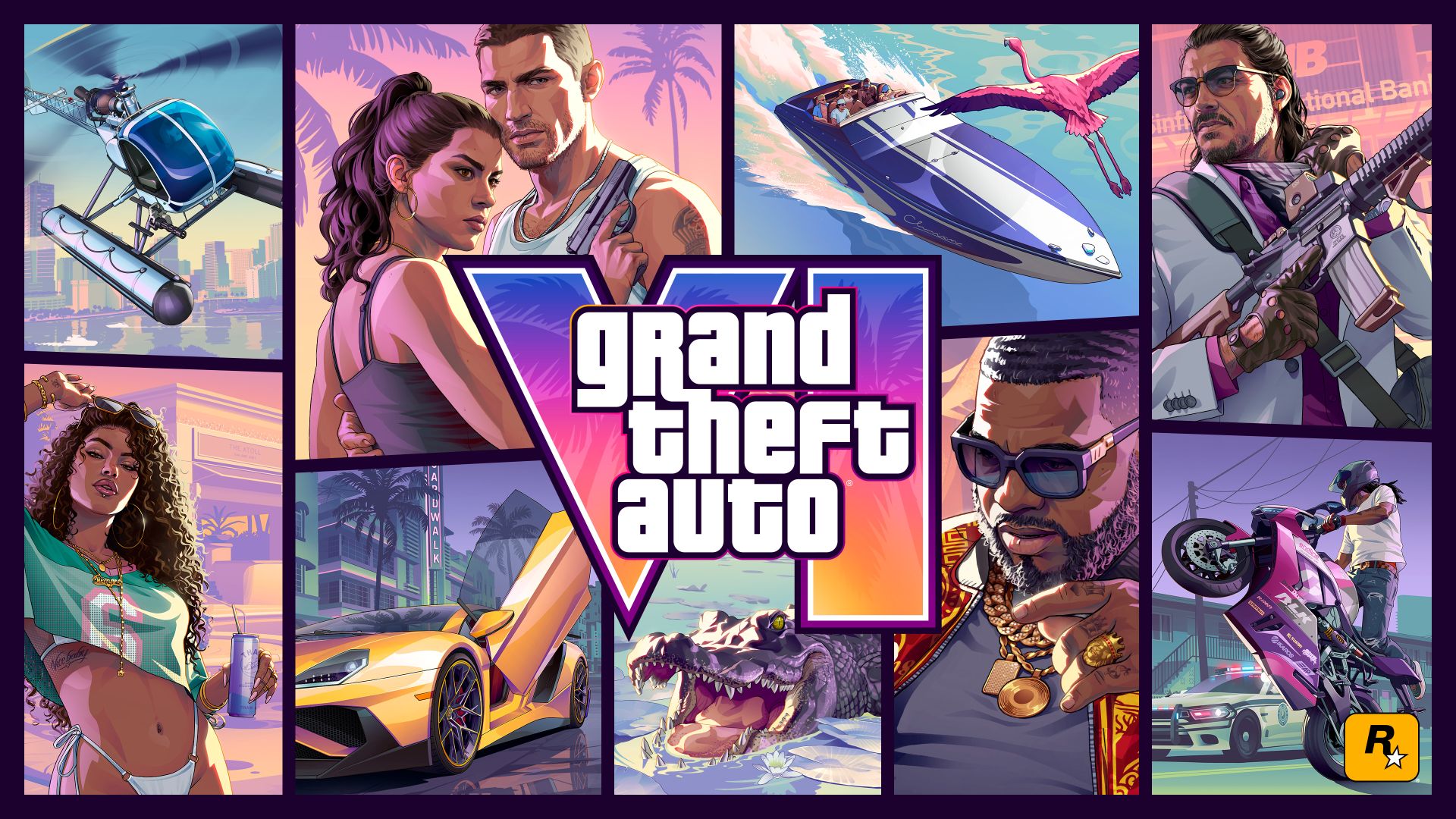
Xbox Cloud Gaming now supports Grand Theft Auto VI, allowing players to stream the game directly from the cloud to Xbox One or Xbox Series X|S consoles without needing to download it. This feature is included in select Game Pass plans, which provide up to 15 play hours per month, with additional cloud playtime available for purchase. The cloud-streamed version runs on Xbox Series S graphics settings, ensuring consistent visual quality across supported devices.
Remote Play enables players to stream Grand Theft Auto VI from an Xbox Series X|S console to other devices they already own, such as mobile phones, laptops, PCs, or handheld gaming PCs like the Xbox ROG Ally. This allows gameplay to continue on smaller screens or while away from the main console, provided the game is already installed on the console.
To use Xbox Cloud Gaming, players must connect a controller to their console and follow setup steps, with wired Ethernet recommended for optimal performance. Wireless networks with high bandwidth may occasionally experience audio or video quality issues, so a stable connection is advised for the best experience.
Xbox provides step-by-step instructions for enabling Remote Play and starting cloud gaming sessions, ensuring players can easily access Grand Theft Auto VI on their preferred devices. The game must be purchased from the Xbox Store, and additional details are available on the Xbox Cloud Gaming and Grand Theft Auto VI store pages.