How to Create a Payout Link on CoinGate (Step by Step)
CoinGate introduced Payout Links, allowing users to send crypto payments via email without requiring wallet addresses. The feature simplifies transactions, supports multiple currencies, and includes compliance and approval workflows.
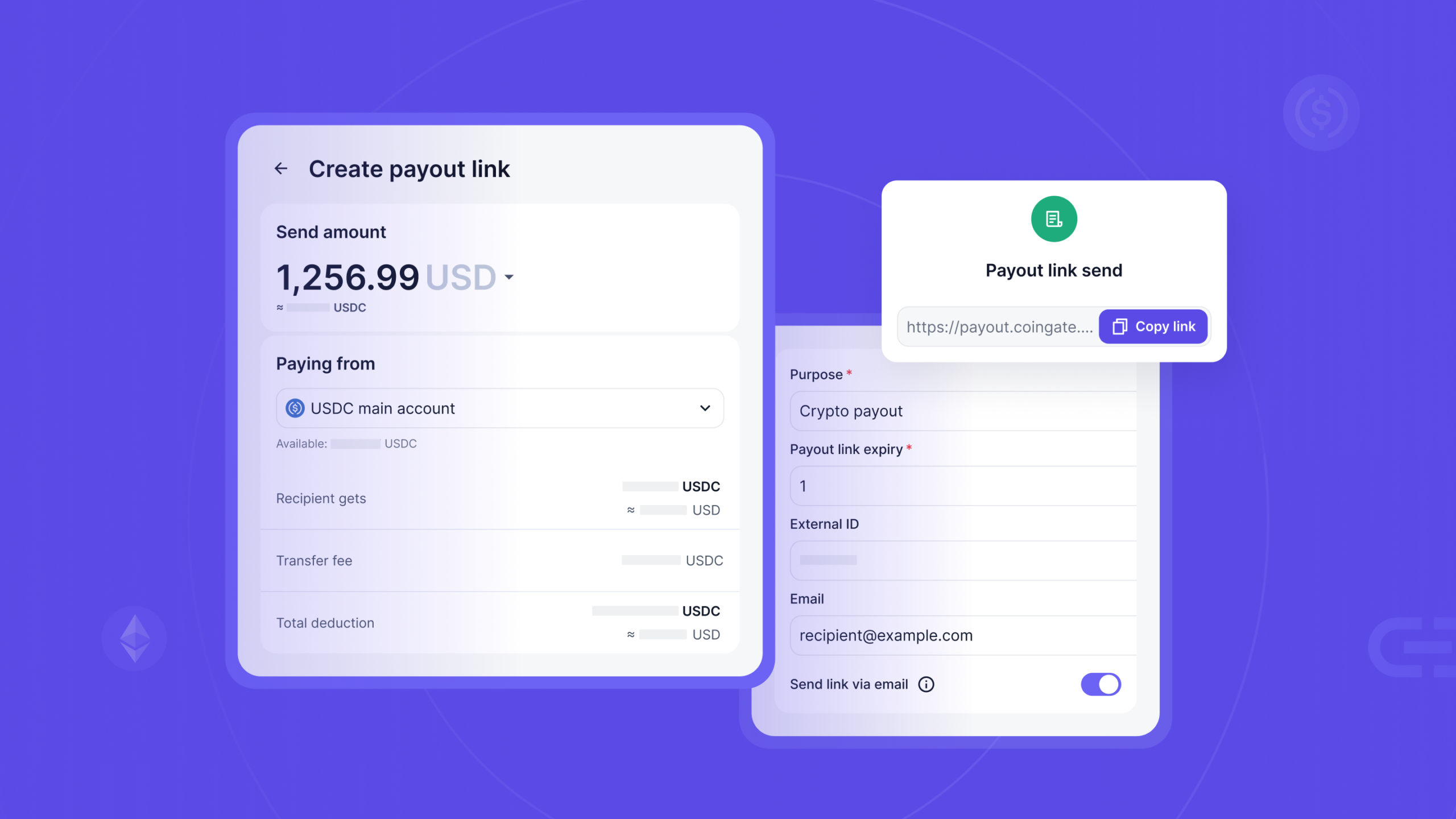
CoinGate has launched Payout Links, a tool enabling users to send cryptocurrency payments to recipients via email without needing their wallet addresses. The feature streamlines transactions by requiring only an email address, with the process taking about one minute to complete. Users can create a link through the dashboard under Payouts or directly via a new link page, selecting the amount and currency for display. The recipient later chooses the cryptocurrency they wish to receive, with CoinGate handling conversions if necessary. This approach reduces friction for recipients unfamiliar with crypto, as they only need to provide an email to access funds.
Each Payout Link includes a purpose line of 4–191 characters, visible to the recipient, to clarify the transaction’s intent, such as 'Q1 affiliate payout' or 'Invoice 4421'. Links expire between one and seven days, with expiry processed daily at midnight UTC. If unclaimed, the full amount is refunded to the sender’s balance. The email address entered is tied to the link via a one-time code, preventing unauthorized access even if the URL is shared. Users can choose to have CoinGate email the link or send it themselves, with an optional reference field for reconciliation purposes.
Before finalizing a Payout Link, users review the amount and funding balance, as these details cannot be altered afterward. Confirmation requires a one-time code, similar to other payouts. Upon creation, the link becomes active, and the sender’s balance is debited for the payout amount plus fees—a flat charge, percentage, and conversion fee. Notably, the conversion fee applies upfront, even if no conversion occurs, ensuring recipients can select any currency without deductions. Funds are held but not spent until the payout completes, with full refunds issued for expired, cancelled, or failed transactions.
Payout Links support multi-approval workflows for businesses requiring additional authorization. Draft links remain inactive until approved, with dashboard-created links needing one approver and API-created links requiring two, neither of which can be the creator. If multi-approval is disabled while links are pending, they are automatically cancelled and refunded. Users can monitor links through the dashboard, cancel pending or draft links for full refunds, and track compliance checks. Once a recipient confirms and the link is processing, cancellation is no longer possible, though compliance holds may still result in refunds.