Dropbox brings trusted project context directly into the ChatGPT Library
Dropbox and OpenAI integrate Dropbox’s file context directly into ChatGPT’s native workflows, enabling users to search, preview, and reference Dropbox files without leaving the AI interface.
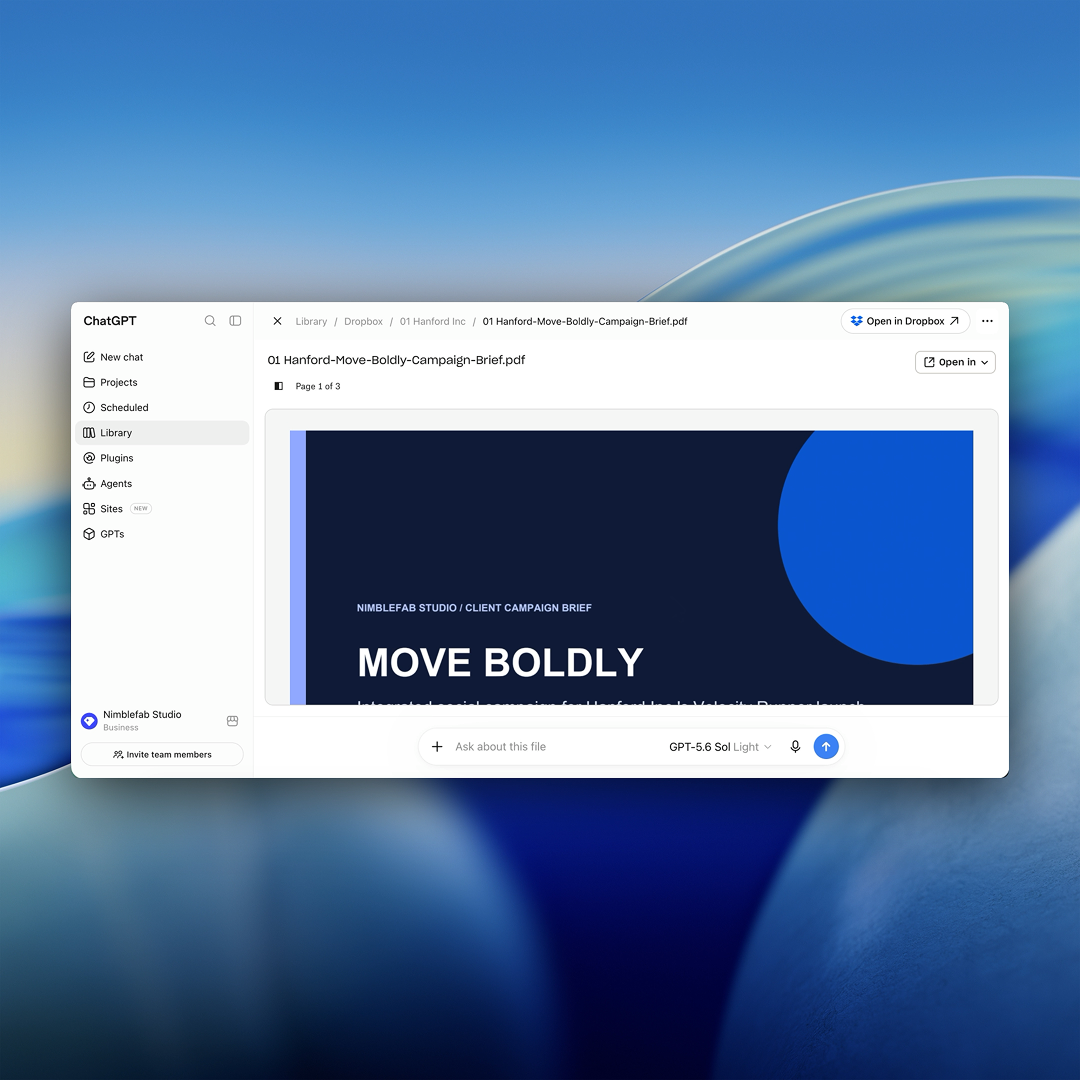
Dropbox and OpenAI announced an integration that embeds Dropbox’s project context directly into ChatGPT’s native file experience. Users can now browse, search, and preview Dropbox files—including videos—within ChatGPT’s Library, eliminating the need to switch between platforms to gather source material. The update builds on Dropbox’s existing ChatGPT app, which previously required users to invoke Dropbox via @mention to locate files.
The integration allows users to add Dropbox files to prompts, @mention files directly, and preview content alongside conversations. This streamlines workflows by reducing the steps required to bring relevant project materials into AI-assisted tasks. Native discovery and preview features aim to shorten the path from finding information to using it in ChatGPT.
Users can now keep original Dropbox files visible while working in ChatGPT, enabling real-time verification of details, summaries, or comparisons without losing context. For example, an architect can reference a project specification alongside a conversation to ask ChatGPT for clarifications or summaries while maintaining direct access to the source.
The integration supports video previews, allowing teams to view campaign videos or other multimedia directly in ChatGPT. Users can then ask the AI to generate new content—such as a revised video with branded elements—saving the results back to Dropbox alongside the original materials, preserving project continuity.