Bring trusted Dropbox context directly into Microsoft Copilot
Dropbox and Microsoft Copilot now integrate to let teams access, summarize, and use Dropbox files directly within Copilot while preserving existing permissions and project context.
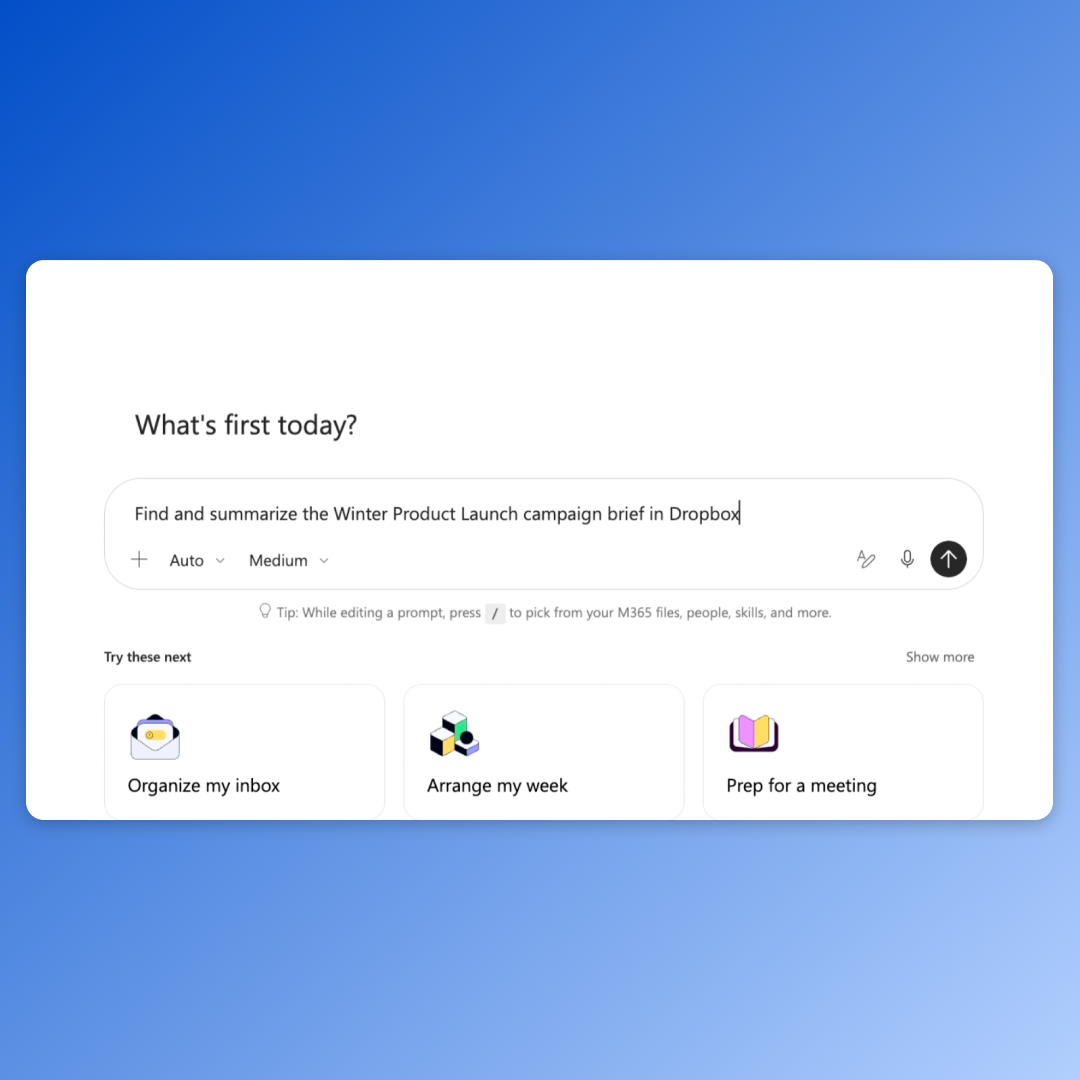
Important work often spans multiple apps, with project details stored in Dropbox and new work created in Microsoft 365. Dropbox for Microsoft Copilot bridges this gap by allowing users to ask Copilot to locate, open, summarize, organize, or compare Dropbox content. The integration enables teams to use this trusted project context to generate new work within Microsoft 365 applications such as PowerPoint or Excel. Users can also save supported text-based outputs, including CSV files, back to Dropbox, ensuring continuity across workflows.
The integration emphasizes governance and control by maintaining existing Dropbox permissions and access settings. After authorization, Copilot can only access files and folders to which the user already has permission, preserving team policies and admin controls. This ensures that sensitive project context remains accessible only to authorized collaborators, even as work moves between tools.
For practical use, teams can leverage Dropbox content to create presentations, analyses, or briefings grounded in approved materials. For example, a marketing lead can reference campaign briefs and performance data in Dropbox to build a PowerPoint presentation, while an architecture team can use project specifications to prepare stakeholder briefings or generate CSV files for analysis in Excel.
The integration is available now for customers on all Dropbox plans, with appropriate Microsoft Copilot licenses required for use in Copilot Cowork. Users can connect their Dropbox account to Microsoft Copilot through the Dropbox Help Center, enabling a more connected workflow where project context and outputs remain governed and customer-owned.