Firefox Tab Groups for Android
Mozilla has introduced Tab Groups in Firefox for Android, allowing users to organize multiple tabs into labeled, colored groups for easier management and retrieval.
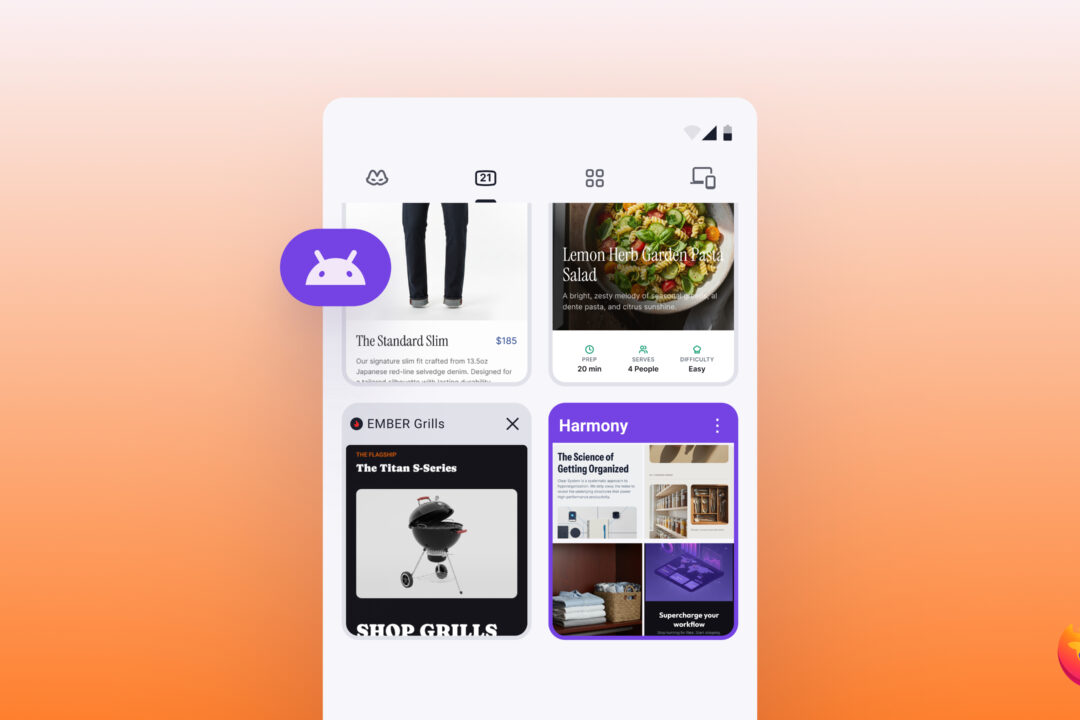
Tabs often accumulate quickly on mobile devices, making it difficult to locate specific pages later. Firefox for Android now offers a solution by enabling users to group related tabs together under custom labels and colors. This feature addresses a common frustration where important tabs become buried among unrelated browsing sessions. Users can create groups by dragging tabs onto one another or selecting multiple tabs and tapping 'Add to group.'
Each tab group appears as a single card in the tab tray, reducing clutter and simplifying navigation. The feature includes options to rename, recolor, or delete groups at any time, ensuring flexibility for users. Search functionality within Firefox also extends to tabs inside groups, allowing quick retrieval of specific pages. This addresses the practical challenge of finding saved content amid a growing number of open tabs.
Tab Groups was identified as the most requested feature by Firefox mobile users in 2025, reflecting a clear demand for better tab organization tools. Mozilla emphasized that browser usability should improve with increased usage, rather than becoming more cumbersome. The feature aims to streamline mobile browsing by providing a structured approach to managing multiple tabs. Users can now keep related tabs together, making it easier to resume tasks without losing track of important pages.
The feature is available in the latest version of Firefox for Android, with support for iOS planned for a future update. Users are encouraged to download the updated version to try Tab Groups and experience the improved tab management. Mozilla’s move aligns with its commitment to addressing user feedback and enhancing the browsing experience across devices.