Don't bother turning Control Resonant up to the maximum for mind-bending graphics, there's both performance and beauty in the lower graphics presets too
Testing *Control Resonant* shows high-end visuals don’t require maximum settings; mid-tier presets balance performance and beauty effectively.
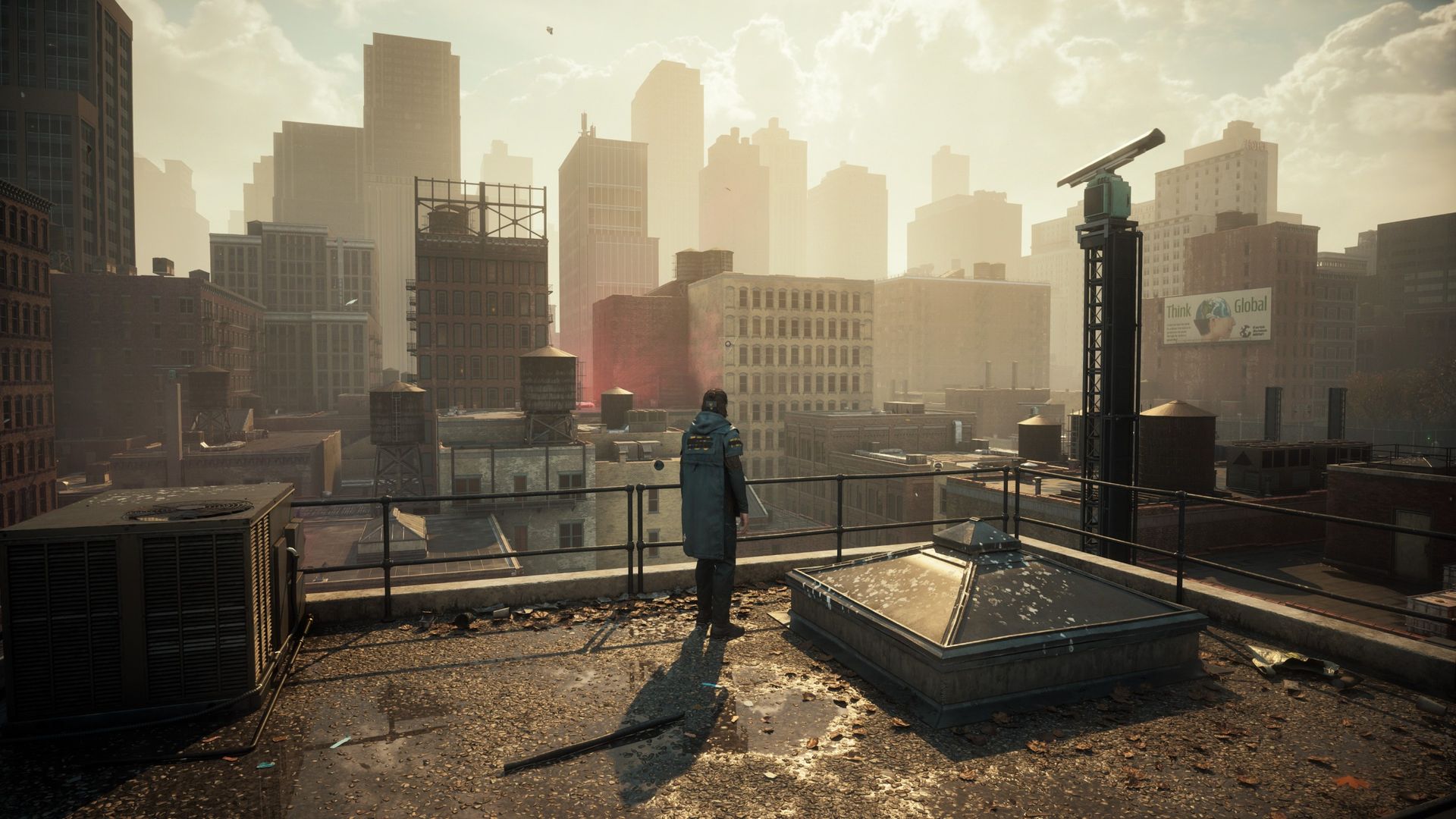
The review highlights that *Control Resonant* delivers strong visuals even at reduced graphics settings, particularly when ray tracing is adjusted. The author tested the game on a mid-range PC with an RTX 5070 Ti and Ryzen 7 7700X, finding smooth performance at 1440p across most presets without frame generation.
Ray tracing imposes the largest performance cost, with a 21-frame difference between disabled and Low settings at Ultra graphics. Medium and High ray tracing presets show minimal frame rate drops, while Ultra ray tracing causes a significant drop, with little visible improvement over High.
Graphics presets also impact performance, with Ultra settings causing the most noticeable slowdowns. High and Medium presets yield nearly identical frame rates, suggesting little benefit to maxing out regular graphics options. The best balance appears to be High settings for both ray tracing and graphics.
Even at the lowest preset with ray tracing off, *Control Resonant* retains notable detail, though textures like signage appear blurry. The game remains visually appealing across settings, demonstrating strong optimization and flexibility for different hardware.