Frame rate explained: What is fps in video games?
Frame rate, measured in frames per second, determines how smoothly a game appears to move by dictating how often new images are drawn and displayed. Common targets like 30, 60, or 120 fps balance smoothness against the time available to render each frame.
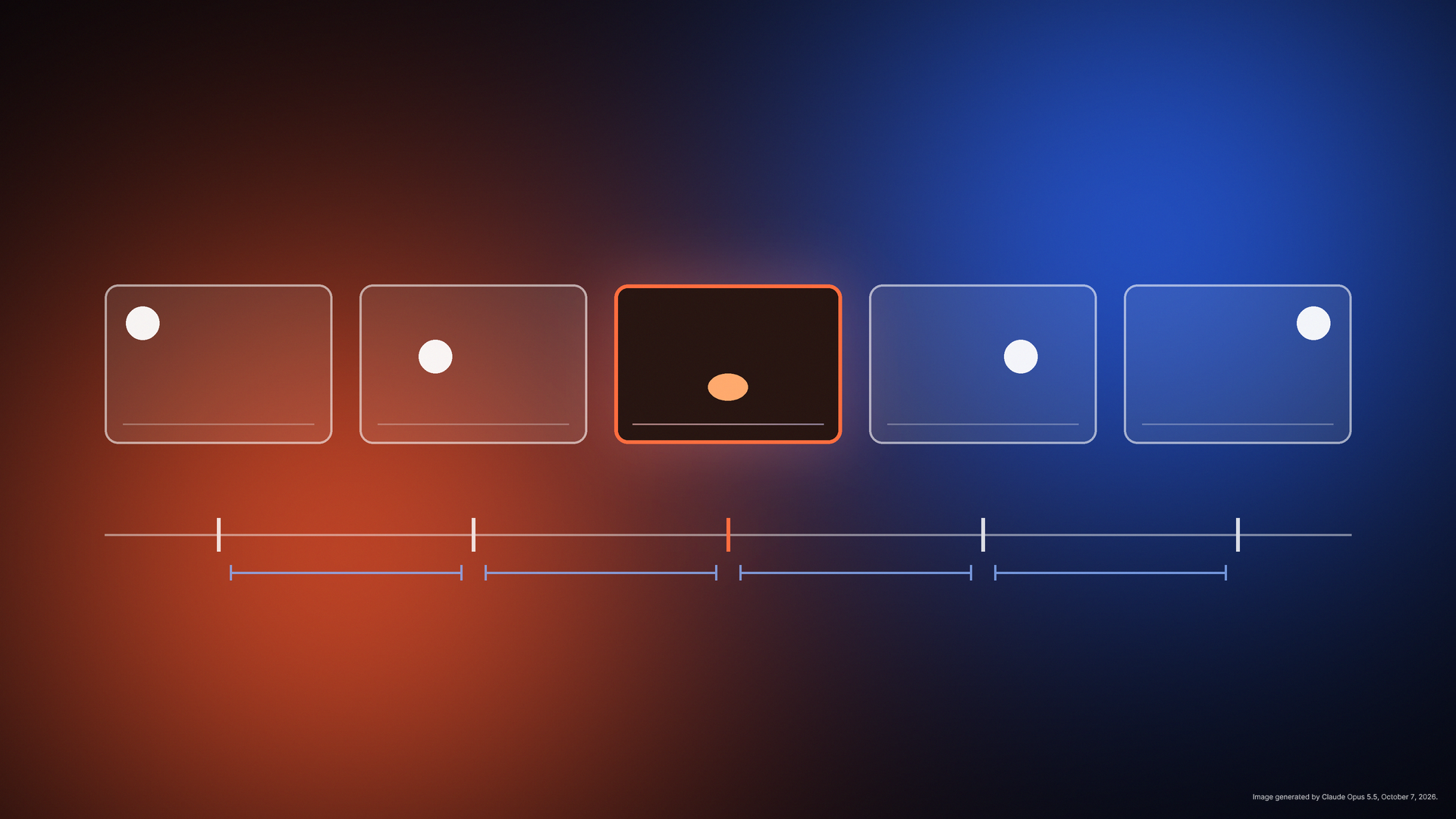
Frame rate refers to the number of individual images, or frames, a video game renders and displays each second, expressed as frames per second. Each frame is a snapshot of the game world, and when shown in rapid succession, they create the illusion of motion. The concept is similar to a flipbook, where each page represents a frame and the speed of flipping determines how fluid the animation appears. Frame rate is one of the most discussed metrics in gaming but is often misunderstood by players and developers alike.
A game running at 30 fps displays 30 new images per second, while one at 60 fps shows 60, with higher rates generally producing smoother motion. Frame time, the duration to render a single frame, is inversely related to frame rate; for example, 60 fps allows about 16.7 milliseconds per frame. Developers frequently prioritize frame time over frame rate because it directly impacts whether frames are delivered on schedule or arrive late, causing visible stutter or freezes.
The display’s refresh rate, measured in hertz, dictates how often a screen can show a new frame. A 120 fps target only benefits a 120 Hz display, and uneven divisions between frame rate and refresh rate can cause stutter. For instance, a 40 fps mode on a 120 Hz screen ensures each frame stays on screen for exactly three refresh cycles, avoiding uneven timing. There is no universally correct frame rate; each target involves trade-offs between smoothness and the complexity of what the game can render per frame.
Consistency in frame rate often feels better than a higher but fluctuating rate. A steady 30 fps can feel smoother than an inconsistent 60 fps due to fewer late frames, which appear as hitches or brief freezes. Games may lock or cap frame rates to maintain stability, and variable refresh rate displays can mitigate uneven output. Developers also use techniques like dynamic resolution or reduced effects to maintain steady frame rates, especially on less powerful devices.