Vercel Drives adds CLI commands and standalone SDKs
Vercel introduces CLI commands and standalone SDKs for managing Drives, eliminating the need for Sandbox APIs or permissions.
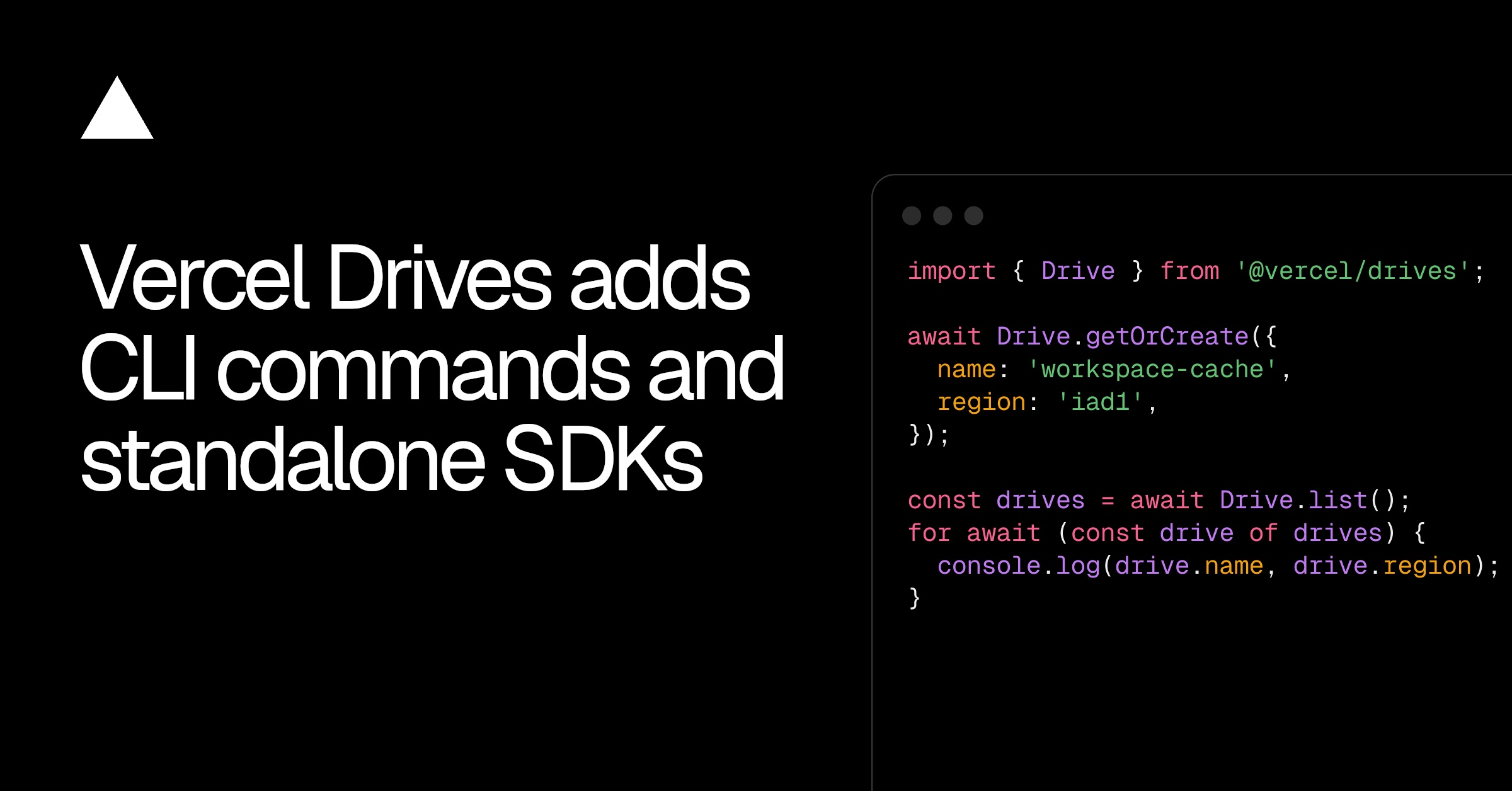
Vercel has added new CLI commands and standalone SDKs for TypeScript and Python to manage Drives, enabling users to create, list, fork, and delete them directly. The TypeScript SDK can be installed via npm install @vercel/drives, while the Python SDK is available through pip install vercel-drives. These tools provide an alternative to using Sandbox APIs or permissions for Drive management.
The new SDKs allow users to perform Drive operations programmatically, complementing existing CLI commands. For example, users can now create, list, and fork Drives using the TypeScript SDK with straightforward commands. This expands the ways developers can interact with Drives beyond the dashboard or Sandbox environments.
Drives continue to function as before, mounting into Vercel Sandboxes without disruption. Existing Sandbox CLI commands and SDK code remain compatible, ensuring backward compatibility for current users. Additionally, Drives now feature dedicated pages in the Vercel dashboard and Observability tools for easier monitoring and management.
The new CLI commands and SDKs are available across Vercel’s Hobby, Pro, and Enterprise plans. Users can refer to the updated Drives documentation for detailed instructions and examples on leveraging these tools for Drive management.