Manage Vercel Container Registry with Vercel CLI
Vercel has introduced CLI commands to manage its Container Registry, enabling direct Docker and Podman integration for authentication, image building, and repository management.
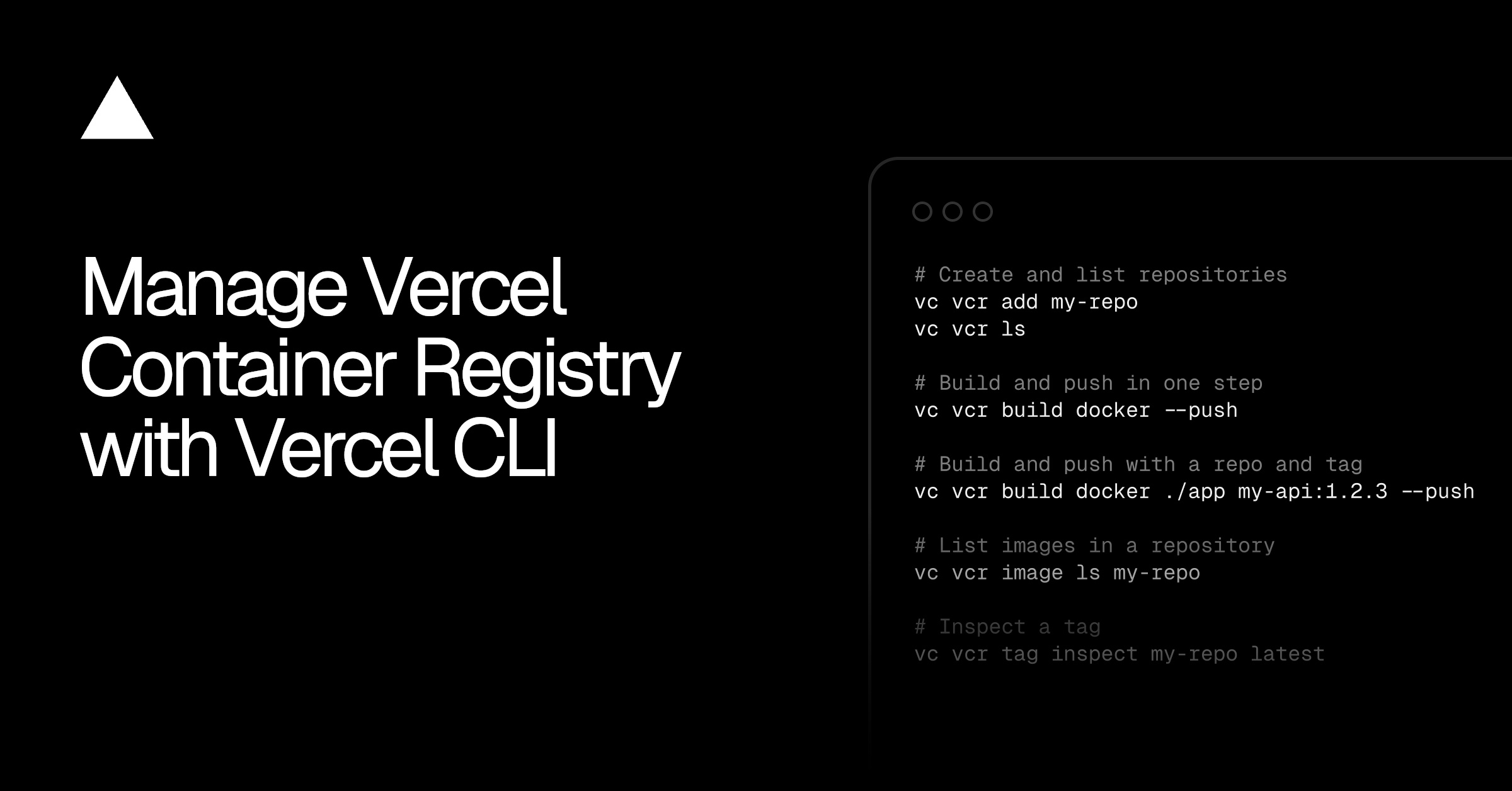
Vercel now allows users to manage its Container Registry directly through the Vercel CLI with the new `vercel vcr` command group. This feature enables authentication for container tools like Docker, Podman, or Buildah using short-lived tokens scoped to individual projects, enhancing security by avoiding long-term credentials. The integration simplifies workflows by eliminating the need to switch between interfaces for registry operations.
Users can build and push container images to the registry using standard Docker commands after authenticating via the CLI. The system automatically creates repositories upon the first push or allows explicit creation with `vercel vcr add`, streamlining the setup process. This approach reduces manual configuration steps and aligns registry management with existing development tooling.
The CLI supports listing repositories and inspecting images and tags, providing visibility into stored artifacts. Commands within the `vercel vcr` group facilitate repository management, image retrieval, and tag inspection, offering a consolidated view of containerized assets. This feature is particularly useful for teams tracking multiple versions or debugging deployments.
To use the new functionality, users must update to the latest Vercel CLI by running `pnpm i -g vercel@latest`. Detailed instructions are available in the Container Registry documentation, ensuring a smooth transition for existing and new users. The update reflects Vercel’s ongoing effort to integrate container workflows more tightly with its platform.