10 tips for organizing your first video game project with AI
Unity outlines ten practical habits to structure first-time video game projects built with AI tools like Unity Spark, emphasizing organization and iterative progress.
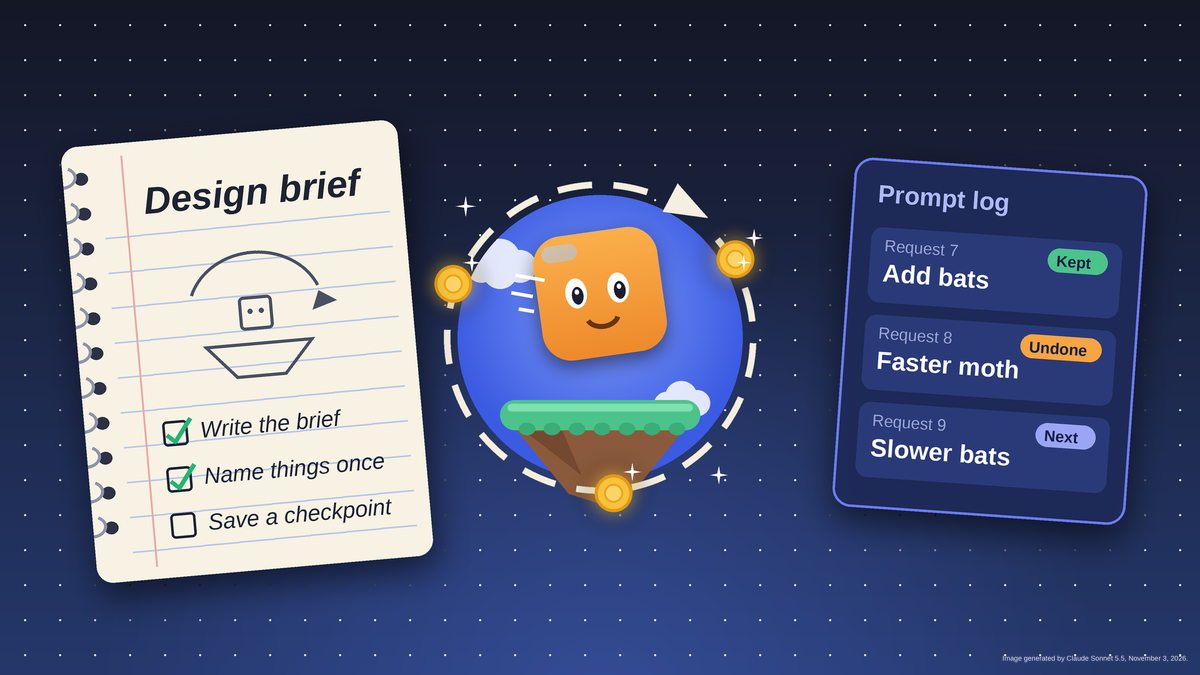
Organizing a first video game project means capturing core decisions—what the player does, controls, win and loss conditions, and visual style—in a single brief. This one-page document serves as both a design guide and the foundation for your first AI prompt, preventing confusion as the project grows. Using a template from Unity’s guide, developers can outline the game loop and key mechanics before writing any code or prompts.
Breaking the game into small, manageable pieces—such as a title screen, level one, and win or lose screens—helps maintain focus and clarity. Completing one piece at a time allows for easier troubleshooting, as errors can be traced to the most recent change. This incremental approach also provides a sense of progress and keeps the project moving forward without overwhelming requests.
Consistent naming conventions for characters, objects, and screens prevent miscommunication with AI tools and ensure coherent outputs. A single ideas list, categorized by priority—must have, should have, could have, or won’t have—helps manage scope and avoid feature creep. Prioritizing essential mechanics ensures the game remains playable while deferring non-critical additions to future projects.
Maintaining a running log of AI prompts, results, and adjustments provides a clear record of progress and lessons learned. Version control features in Unity Spark allow developers to revert to previous states, while a simple tracker with to-do, doing, and done columns keeps the project on schedule. Documenting asset sources and licensing terms ensures compliance and clarity as the project nears completion.