Automated Snowpipe Setup with Snowflake CoCo Is Now GA
Snowflake launches automated Snowpipe setup via CoCo, enabling non-engineers to connect cloud storage data sources to tables using natural language, reducing setup delays for AI applications and agents.
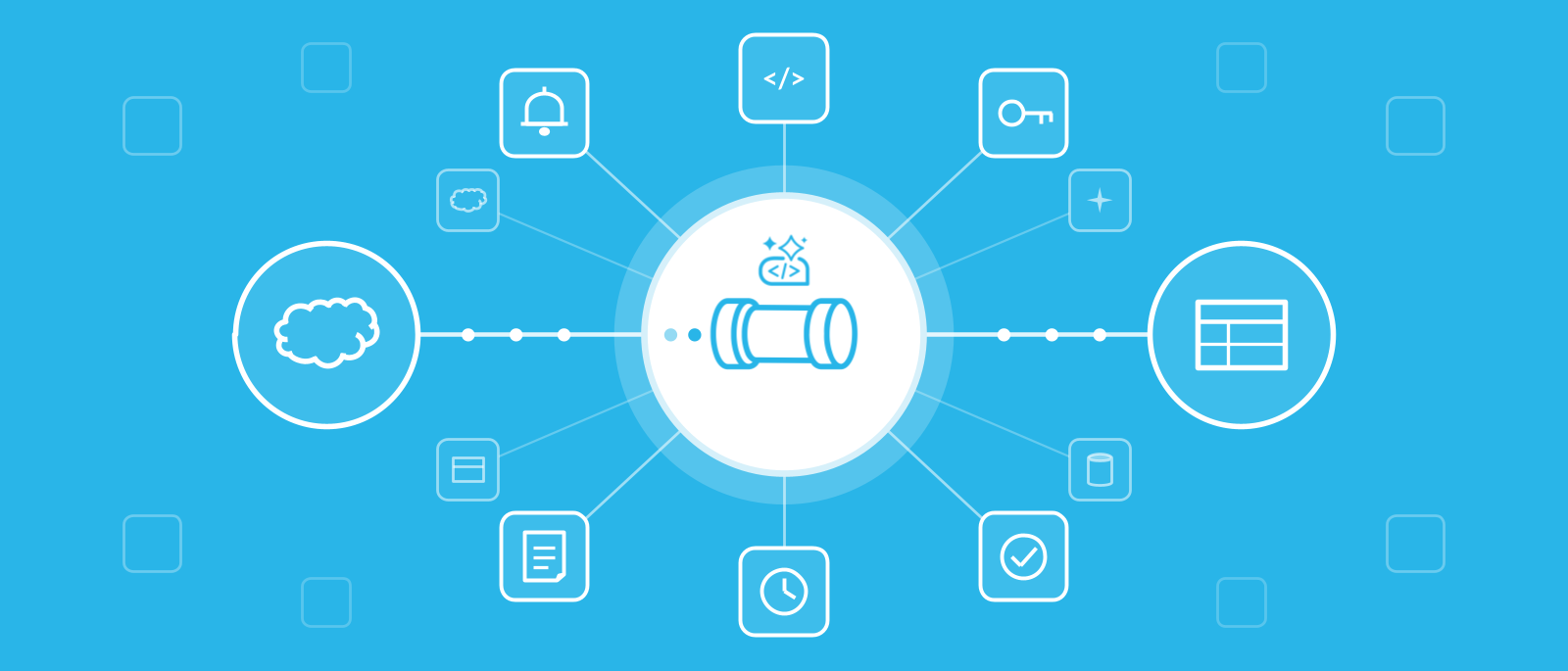
Snowflake announced general availability of automated Snowpipe setup with Snowflake CoCo, allowing teams to connect raw files in cloud storage to a continuously loading Snowflake table or Iceberg table through a single natural-language conversation. CoCo automates sampling, schema inference, pipeline creation, and validation, eliminating the need for data engineering queues. The feature is accessible in Snowsight, CoCo Desktop, and CoCo CLI, with explicit user approval required before any changes are made.
The announcement addresses a common bottleneck where new data sources sit idle in cloud storage while teams wait for manual pipeline setup. For example, mobile teams receive clickstream data minutes after launch, security teams trace incidents via logs, and manufacturers monitor sensor data from new production lines. Snowpipe, Snowflake’s continuous loading service, typically processes files within minutes of arrival, but prior setup delays often prevent timely analysis.
Automated Snowpipe setup offers four configuration options: temporary AWS IAM access, Terraform-based pipelines, existing cloud access, or Snowflake objects with cloud setup files. CoCo reuses compatible storage integrations and file formats, flags existing pipes to avoid duplicate loads, and can load historical data up to seven days prior. Schema evolution is supported for new fields, and setup actions are logged in AWS CloudTrail and Snowflake query history.
For teams using infrastructure-as-code, CoCo generates Terraform configurations covering both Snowflake objects and cloud resources. In Snowsight, CoCo saves setup files in a workspace folder, while CoCo Desktop and CLI can apply configurations using local cloud credentials. Bulk loading is also available for backfills or migrations, with CoCo preparing file formats, running COPY INTO, and verifying results. Snowpipe usage is billed separately after setup.